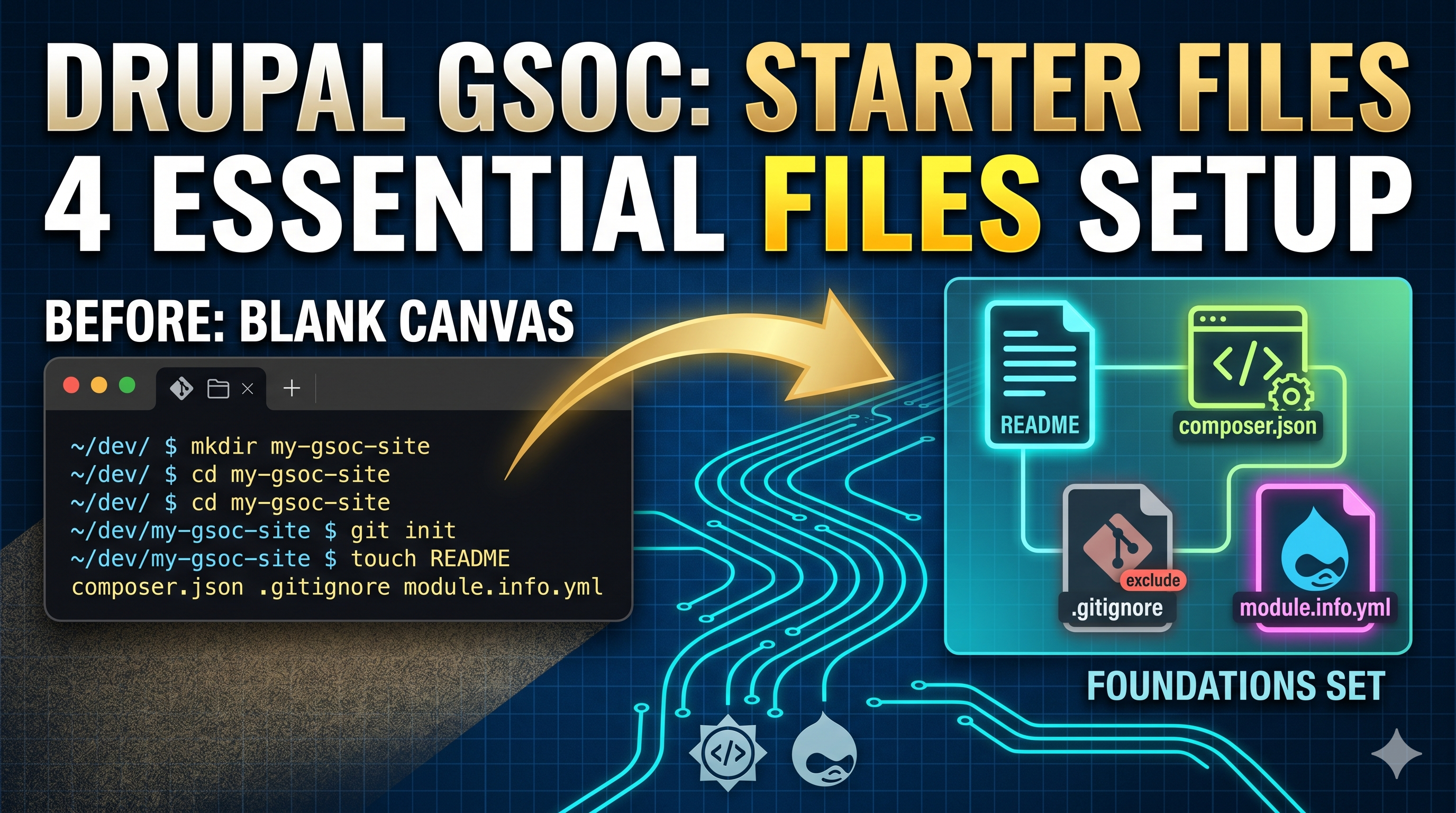
Adding your first piece of code to Drupal Project!
Learn how to set up your Drupal project codebase, initialize a Git repository, and push your first commit following Drupal's version control guidelines.
Setting up the codebase on Drupal is EASY! Only you need a little bit of patience. Let's dive deep into it.
So previously we had set up a project. Now we are going to initialise the git repo and add a few changes. First if you have created your project, you can move on into the Version Control section. This will contain instructions of what we should do further.
This was my link: Version Control

mkdir ai_recipe_generator

cd ai_recipe_generator

git init

git checkout -b 1.0.x

echo "AI Recipe Generator" > README.txt

git add README.txt

git commit -m "Initial commit."

git remote add origin git@git.drupal.org:project/ai_recipe_generator.git

git push origin 1.0.x
They are the explicit instructions of what we are going to do.
Copying without understanding is useless. Let's go through each step one by one.
| Command | What it does | Why we do it |
|---|---|---|
mkdir ai_recipe_generator | Creates a new directory named ai_recipe_generator. | Allocates a dedicated local space for your project files. |
cd ai_recipe_generator | Moves your terminal path into the new folder. | Ensures all future commands execute inside the project context. |
git init | Initializes a hidden local .git repository. | Turns the plain folder into a version-controlled project. |
git checkout -b 1.0.x | Creates and switches to a new branch named 1.0.x. | Bypasses standard main/master to match Drupal's release branch rules. |
echo "AI..." > README.txt | Generates a README.txt file with project text. | Creates an initial asset to track, as Git cannot track empty folders. |
git add README.txt | Stages the file to the Git index. | Explicitly marks the new file to be included in the next snapshot. |
git commit -m "Text" | Saves the staged file with a historic log message. | Establishes the official baseline/first snapshot of your codebase. |
git remote add origin <url> | Links your local Git setup to the Drupal.org repository. | Establishes the secure target destination path on Drupal's servers. |
git push origin 1.0.x | Uploads the local branch and commit to the server. | Publishes your code online so your mentors can access and review it. |
Post this we had committed 3 more files of out own, which are equally crucial for the module development.
1 ai_recipe_generator.module.info
2 composer.json
3 .gitignore
Resources
- Module Creation & .info.yml Documentation
Creating Custom Modules (Main Hub): This is the central landing page for all module development tutorials in modern Drupal, covering everything from routing to creating custom blocks.
Defining the .info.yml File: This page provides the exact specifications, required properties, and core version requirement syntax for your module's metadata.
- Composer Documentation for Modules
Adding a composer.json File to a Module: This explains exactly why and how to add a composer.json file to your custom or contributed module, including the composer init steps specifically tailored for Drupal package types.
name: AI Recipe Generator
description: Creates recipes using AI.
package: AI

type: module
core_version_requirement: ^10.5 || ^11.2

dependencies:
- ai:ai{
"name": "drupal/ai_recipe_generator",
"description": "Creates recipes using AI.",
"type": "drupal-module",
"license": "GPL-2.0-or-later",
"authors": [
{
"name": "Hrishikesh Dalal",
"email": "204620-hrishikesh-dalal@users.noreply.drupalcode.org"
}
],
"require": {}
}
Somewhere where I struggled and made mistakes
If you have seen the video, you would know I had made a mistake initializing the git repo 😅. I made a commit to the main brand before setting up the 1.0.x which is crucial for creating forks and deployments. Well it sucked but it was a great source of learning.
Understanding the Concept of Remote in Git
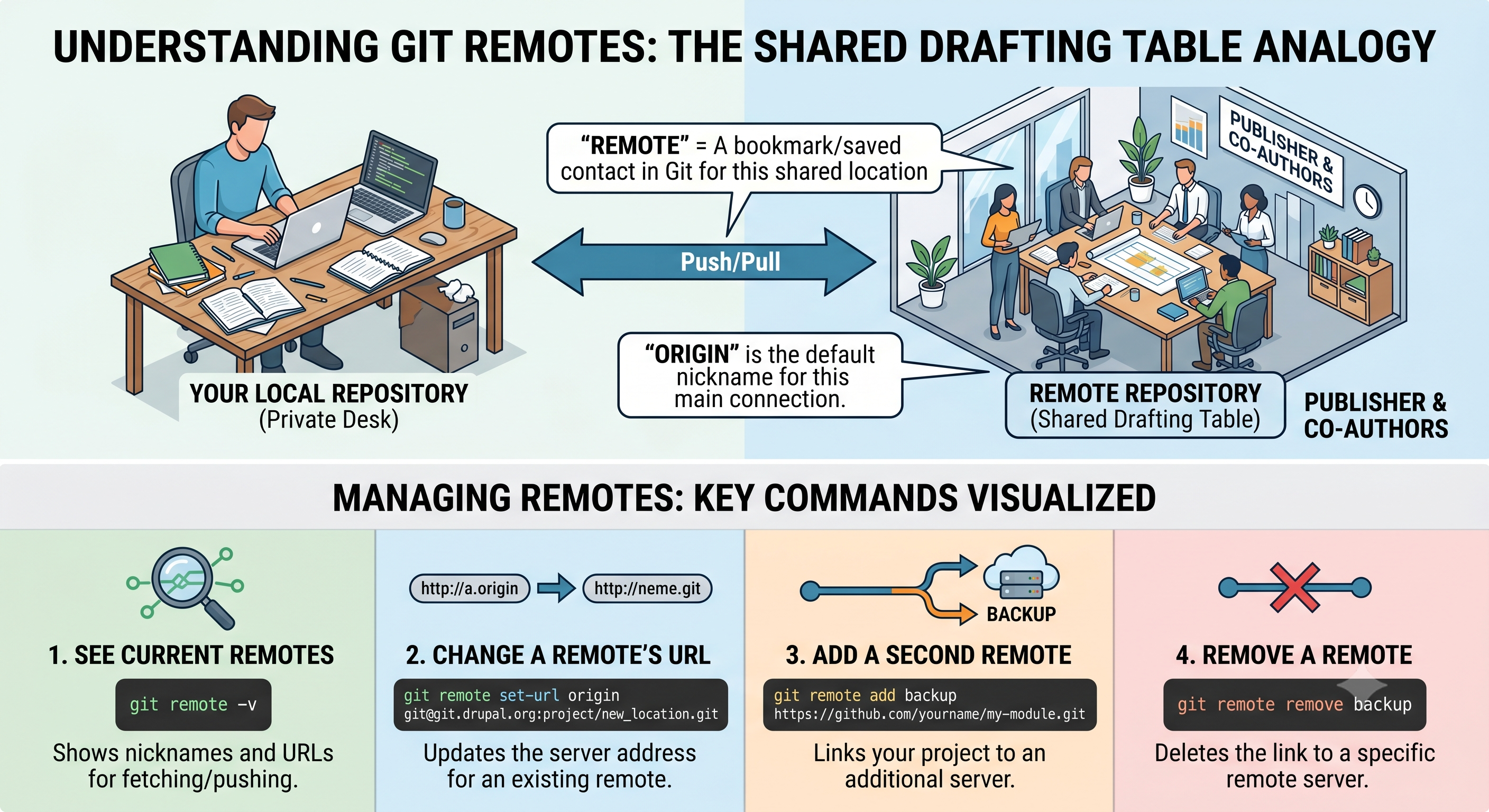
Think of Git Remotes as a Cloud Backup or a Shared Office.
Imagine you are writing a book on your own private desk at home (Local Repository). You can write, delete, and organize pages however you want.
However, your publisher and co-authors are in a different building. To show them your work, you have a Shared Drafting Table (Remote Repository) in their office.
1. A "Remote": It's just a bookmark or a "saved contact" in your computer's address book that tells Git exactly where that Shared Table is located on the internet.
2. Origin: This is just the default nickname for that Shared Table. (But you could call it anything, backup, publish etc)
Managing Remotes: The Commands
Sometimes you need to change where your code is going (e.g., commit to a different fork or repository).
1. Check your current remotes
Before changing anything, see where your project is currently "talking" to.
The -v stands for "verbose." It shows you the URLs for fetching (downloading) and pushing (uploading).
git remote -v2. Change a remote's URL
If the server location changes, but you want to keep the same nickname (origin), use this command:
git remote set-url origin https://git.drupalcode.org/issue/ai_recipe_generator-3592994.gitWhen to use: Use this if you accidentally typed the wrong URL during setup or if the project moved to a new server.
3. Add a second remote
You can have more than one! You might have one for a private backup and one for the public Drupal project.
git remote add backup https://git.drupalcode.org/issue/ai_recipe_generator-000001.git- Rename a remote
If you don't like the name origin and want to call it something else: (here drupal_server)
git remote rename origin drupal_server5. Remove a remote
If you want to cut ties with a specific server:
git remote remove backup
Pro-Tip: If you ever get an error saying "Remote origin already exists," it means your project is already linked to a server. Use
set-urlto update it instead ofadd.
Eventually....
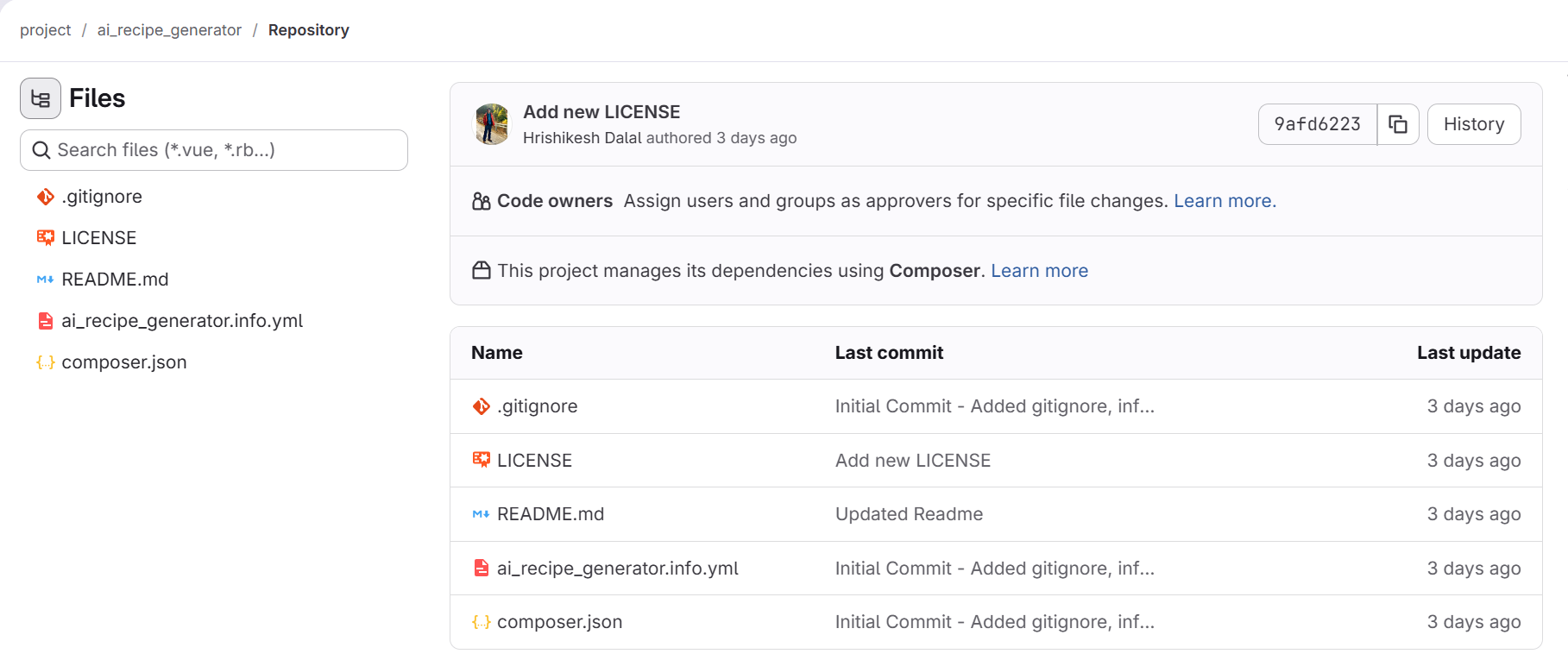
So after taking a short detour, we finally pushed our initial code to gitlab! 🎉🎉
Hrishikesh Dalal
Full-stack developer passionate about open-source software, web technologies, and building products that matter. Currently exploring Drupal ecosystem through Google Summer of Code. Interested in PHP, JavaScript, and system design.